

Previously, we have explored apps, computers, and wearable devices that translate one spoken language into another. But language access doesn’t stop with spoken communication.
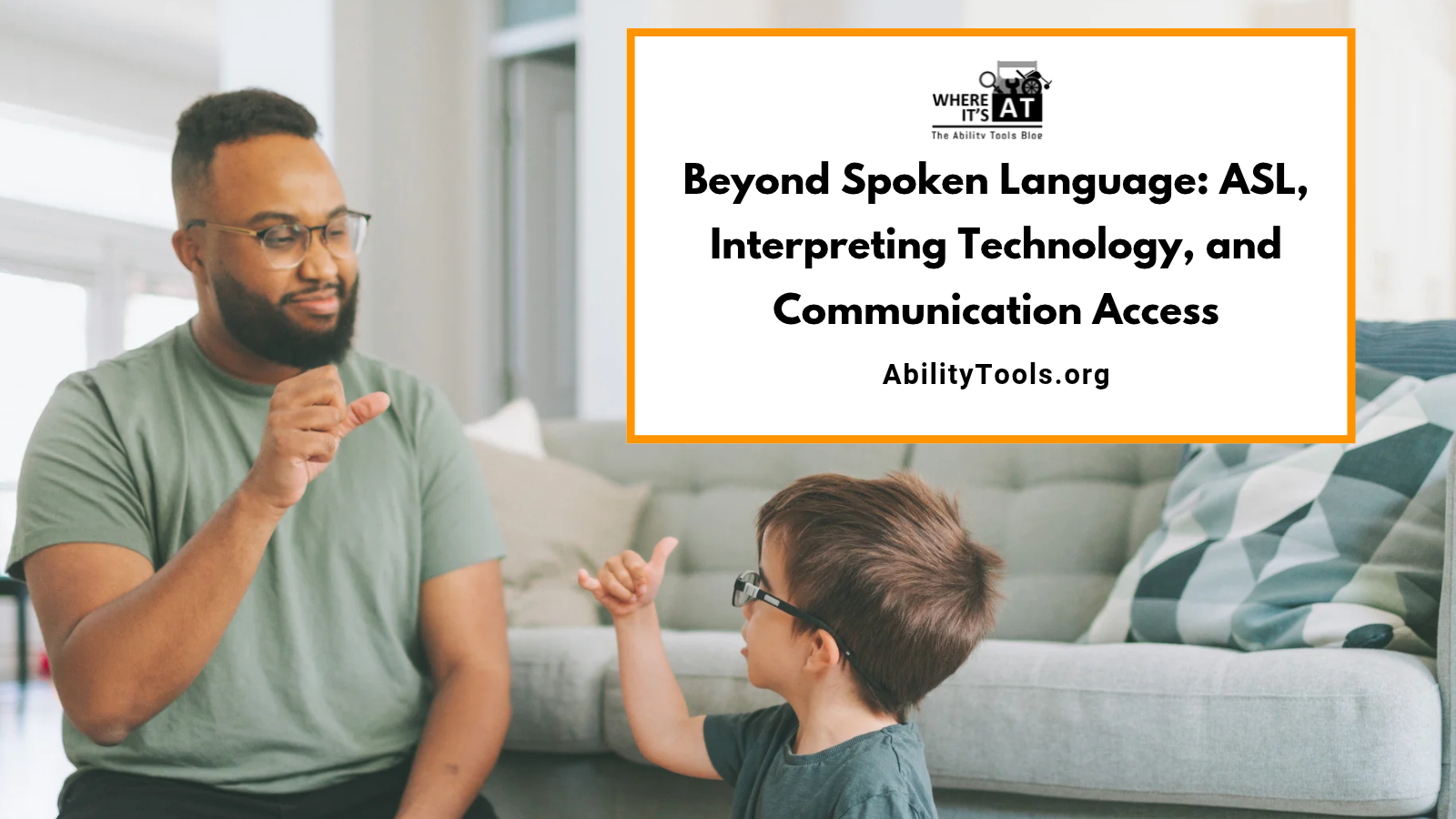
For many Deaf and hard-of-hearing people, American Sign Language (ASL) is the primary or preferred language. Technology can help connect people who use ASL with people who use spoken language, but the tools involved work differently than translating English into Spanish. Let’s explore Video Relay Service, remote interpreting, and emerging artificial intelligence.
ASL Is a Language
ASL is a complete language with its own grammar and structure. It is not English communicated with the hands. Meaning in ASL comes through handshape, movement, location, facial expression, and body positioning.
This matters for translation technology. A program that turns speech into written English isn’t translating into ASL. Captions can provide valuable access for some people, but they don’t replace ASL for someone whose preferred language is ASL. The right solution starts with how the individual prefers to communicate.
Video Relay Service: Connecting ASL and Voice
Sorenson Video Relay Service (VRS) shows how technology and professional interpreting can work together. VRS lets eligible people with hearing or speech disabilities who use ASL communicate with voice telephone users. A video connection links them to a communications assistant, who interprets between ASL and spoken English.
Here, technology doesn’t try to interpret ASL on its own. It connects people with a human interpreter.
Example: An ASL user needs to call a business. They connect to a VRS interpreter by video and sign their message. The interpreter voices it to the business, then interprets the spoken reply back into ASL.
Sorenson ntouch lets eligible users access VRS from compatible smartphones, tablets, Macs, and PCs. Communication access that once required specialized stationary equipment can now travel with the user on devices they may already use every day.
Video Remote Interpreting: Bringing an Interpreter Into the Room
VRS and Video Remote Interpreting (VRI) sound similar, but they serve different purposes. VRI connects people who are in the same physical location with a qualified interpreter who is somewhere else. For example, a Deaf patient and a healthcare provider may be together in an exam room while an ASL interpreter joins through a tablet, computer, or dedicated video system.
VRI can expand access when an interpreter isn’t available in person. It only works well, though, with a strong video and audio connection. Screen size, positioning, internet quality, lighting, camera placement, and the person’s individual communication needs all affect whether VRI is a good fit. The ADA Effective Communication guidance offers more on auxiliary aids, qualified interpreters, and VRI requirements.
When Languages Intersect
Sometimes disability access and multilingual access overlap. A person may use ASL while their family primarily speaks Spanish, or a service provider may speak English while the consumer signs. These situations may call for support across more than two languages or communication methods, and some interpreting providers offer services that help bridge them.
Communication access isn’t always simply English and ASL. Language, disability, culture, preferences, and environment all shape which solution works best.
Can Artificial Intelligence Translate ASL?
Interest in automated sign language recognition is growing. Emerging systems may use cameras and computer vision to recognize handshapes, movement, facial expressions, and body positioning. Researchers and developers are exploring ways to convert signing into text or synthesized speech, and to turn spoken or written information into signed communication. The possibilities are exciting, especially for everyday moments when an interpreter isn’t immediately available.
But translating ASL is very different from translating written text. Facial expression, spatial relationships, context, and grammar all carry meaning, and signing varies among individuals and communities. For now, automated ASL tools are best understood as developing tools, not replacements for human interpreters.
Captions and ASL Serve Different Needs
Automatic captioning converts spoken language into written text. ASL interpreting communicates information in ASL. Someone who prefers written English may find captions very effective. Someone whose primary language is ASL may prefer an interpreter. Another person may use both, depending on the setting.
That’s why communication access should be person-centered, not technology-centered. Instead of asking, “What accessibility technology do we have?” try asking, “What communication method works best for you?” That one question can guide the choice of technology, service, or accommodation.
Technology Should Expand Communication Choices
Video technology can connect an ASL user with an interpreter from almost anywhere. Smartphones and tablets bring communication services without bulky equipment. Captioning gives visual access to spoken information. AI may one day add new tools for translating between signed and spoken languages.
At Ability Tools, we believe Assistive Technology is about removing barriers and creating opportunities for greater independence. Sometimes that means discovering a new device. Other times it means using familiar technology in a new way or connecting someone with the right service.
The goal isn’t to find one technology that works for everyone. It’s to give people more ways to communicate, connect, participate, and choose what works best for them.
Learn More
- Sorenson Video Relay Service: Video Relay Service and communication between ASL and voice telephone users.
- Sorenson ntouch: Accessing VRS through compatible smartphones, tablets, and computers.
- ADA Effective Communication Guidance: Auxiliary aids and services, qualified interpreters, and Video Remote Interpreting.
- FCC: Video Relay Service: How federally supported Video Relay Service works.


